The Jam Cyber Blog
Cyber insights, minus the jargon.
Practical security guidance for Australian businesses, including our monthly Cyber Brief round-up of the threats, updates, and steps that matter.
- Monthly Cyber Brief
- Plain-English guidance
- Built for professional services
How and Why to Block HTM/HTML Attachments in Outlook 365
Microsoft Outlook 365 is one of the most popular business communication tools. However, a particular threat gaining traction is the use of HTM/HTML attachments…
Cyber CEO - How to Secure your Passwords Using Password Management
The importance of securing our passwords cannot be overstated. Cyber attacks often begin with simple mistakes, such as using weak passwords. This video…
What Does a Managed Service Provider Do?
Staying ahead of technological advancements and maintaining strong cyber security measures can add extra time and stress to the daily running of a business.…
Building a Positive Cyber Security Culture
A successful cyber security culture starts at the top. We often hear the term “a great company culture”. This is typically represented by a supportive work…
Cyber CEO - Phishing Emails and How Do They Work?
Welcome to our phishing guide, a scam where people are tricked into giving personal information through fake emails and sites. This video explains phishing,…
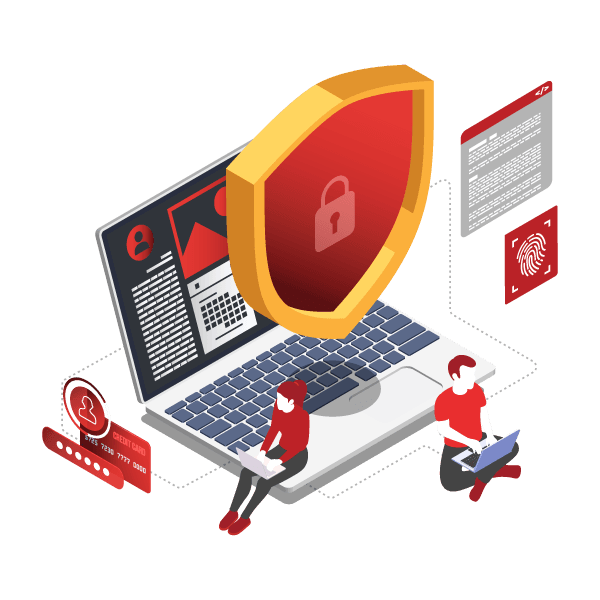
Understanding Whitelisting: A Simple Guide for Business Owners
One effective security measure that can significantly enhance your protection is "whitelisting." But what exactly is whitelisting, and how can it benefit your…
Understanding Administrative Privileges: A Guide for Small Business Owners
Administrative privileges on computers, simply put, are the permissions granted to users that allow them to make significant changes to computer systems or to…
Remote Monitoring & Management (RMM) Agent
Remote Monitoring & Management (RMM), or remote IT management, is a software platform that sits on a computer and enables an IT provider (such as Jam Cyber) to…
Installing Programs or Apps
All programs or apps on users’ computers require administrative approval and authentication prior to installation. This is to ensure that no malicious programs…
Duo Multi-Factor Authentication (MFA) Installation Guide
Enabling MFA dramatically increases cyber security protection. Continue reading to view our MFA installation guide or:
LastPass: Set SMS Account Recovery
1. While logged in to your LastPass account, click Account Settings. Under General tab, scroll down and click ‘Update Phone’ under SMS Account Recovery.
LastPass: Enable Multi-factor Authentication
1. While logged in to your LastPass account, click Account Settings and click on ‘Multifactor Options’. Look for ‘Google Authenticator’ and click the pen icon…
Cyber CEO – What is Log4J hack?
In this video, we dive into the Log4j hack, a significant vulnerability that emerged in December and was deemed one of the biggest threats in computing…
Should You Tell Your Customers If You Have Been Hacked?
There are many facets to address when dealing with a cyber attack. This include the ‘technical’ side, as well as the ‘legal obligations.’ But what about the…
Fake Invoice Scams: How to Protect Your Business & Your Customers
Fake invoice scams involve the unauthorised sending of invoices that are designed to look like they are from legitimate vendors but are actually from cyber…
Never Miss a Brief
Get the Cyber Brief in your inbox each month.
Plain-English cyber security guidance for Australian business owners, the threats that matter and the steps that stop them.