Some of the technology changes that reach a business are decided entirely outside it. In October, Microsoft began switching off an older email connection used by some practice software.
The Australian Signals Directorate (ASD) reported in late October that medium businesses now report average cyber crime losses close to those of large businesses. The Office of the Australian Information Commissioner (OAIC) recorded a rise in breaches affecting more than one million people.
Tech Council of Australia research released in October models a sizeable productivity gain for smaller businesses that use artificial intelligence (AI) broadly. Microsoft 365 Business Premium also includes a Windows feature that installs most monthly security updates without a restart.
Could your business produce a current list of its systems and of the outside parties that can reach client data, if a client asked? Most of this edition comes back to that list.

New and worth knowing
AI use among Australian SMEs, the cost of cyber crime in 2025–26 and Windows updates without a restart
Australian SMEs and AI: how many use it, and how broadly
Quick take
Tech Council of Australia research released on 22 October found 26% of small and medium enterprises (SMEs) use AI and 5% use it broadly. Among non-users, 46% report a somewhat or complete understanding of AI.
Delwood Advisory undertook the research for the Tech Council of Australia, with data from Deputy, Xero and LinkedIn. It compares SMEs with large enterprises, where 46% use AI and 16% use it broadly.
AI use by business size
Share of businesses, Tech Council of Australia, October 2026. Switch the measure to compare.
Share of businesses
- SMEs26%
- Large46%
Large enterprises are 1.8 times as likely as SMEs to use AI, a gap of 20 percentage points.
The report models an average SME moving from no AI use to broad adoption gaining about $136,000 a year in productivity.
It names five barriers to adoption, and lists understanding of what AI is first.
What to do next

What cyber crime cost Australian businesses in 2025–26
Quick take
ASD's annual threat report puts the average cost reported by medium businesses at $141,300, up 45%. Large businesses reported an average of $148,100 and small businesses $55,400.
ASD received more than 82,000 cyber crime reports in 2025–26. It responded to more than 1,500 cyber security incidents, an increase of 20% on the year before.
Average reported cost of cyber crime
Per report, by business size, 2025–26. Select a business size to compare it with the others.
Business size
Medium businesses, up 45% on the year before. That is $6,800 below large businesses and $85,900 above small businesses.
Source: ASD annual cyber threat report 2025–26.
The report says AI is "amplifying the scale, speed and sophistication of malicious cyber activity". It also highlights supply chain and third-party risk.
ASD's recommended actions include replacing or mitigating legacy technology and choosing products that are secure by design.
What to do next

Hotpatching: Windows security updates without a restart
Quick take
Microsoft 365 Business Premium includes hotpatching, which installs monthly Windows security updates without restarting the computer. Under Microsoft's schedule, that applies in eight months of the year.
The baseline updates that need a restart fall in January, April, July and October. An extra baseline update can occasionally fall outside that schedule for security reasons, Microsoft notes.
A year of Windows security updates
Switch hotpatching on and off, then select a month to see what happens.
- Restart
- No restart
restarts a year for monthly security updates. Eight of 12 months install without a restart.
Select a month for detail.
Microsoft notes an extra baseline update can occasionally fall outside this schedule for security reasons.
From the May 2026 update, hotpatching is on by default for eligible devices managed through Microsoft Intune, the device management service in Business Premium.
Under Microsoft's requirements, devices need Windows 11 version 24H2 or later, a specific Windows security setting switched on and the right update policy in Intune.
What to do next

Technology and running your business
Older email connections being switched off, large data breaches, outside access to your systems and shared mailbox ownership
Which email connections Microsoft is switching off, and when
Quick take
Microsoft began disabling Exchange Web Services across Microsoft 365 in October 2026 and switches it off completely in April 2027. The password-only login that some scanners, printers and older applications use to send email is turned off by default at the end of December 2026.
Exchange Web Services (EWS) is an older way for software to read and write to a Microsoft 365 mailbox. Email add-ins, practice and accounting software, and tools built years ago may depend on it.
Microsoft's retirement timeline applies to all organisations. Software that relies on EWS stops connecting once it is disabled, and administrators can switch it back on only until the final cut-off.
The switch-off timeline
Exchange Web Services and basic authentication for sending email.
- Removal date to be announced
- 1Oct 2026
Microsoft begins disabling EWS across Microsoft 365
- 2End Dec 2026Ahead
Basic authentication for sending email is turned off by default
- 3Apr 2027Ahead
EWS is switched off completely
- 4H2 2027Ahead
A final removal date for basic authentication is announced
Some scanners, printers and older applications log in to send email with a plain username and password, a method called basic authentication. Administrators can switch it back on after the December change, and a final removal date will be announced in the second half of 2027.
This can show up as scanned documents that no longer arrive by email, or automated reminders that stop sending.
What to do next

Large data breaches in the first half of 2026
Quick take
The OAIC received 667 data breach notifications from January to June 2026, against 662 in the previous six months. Breaches affecting more than one million people rose from 4 to 11.
Released on 26 October 2026, the OAIC figures name malicious or criminal attacks as the main cause. Health service providers made the most notifications, at 149.
Same volume, larger breaches
Notifiable data breaches reported to the OAIC, by six-month period. Switch the measure to compare.
Breaches affecting more than one million people
- Jul–Dec 20254
- Jan–Jun 202611
Breaches affecting more than one million people rose from 4 to 11.
Source: OAIC notifiable data breaches report, January to June 2026.
For a professional services firm, client information can also sit with providers that hold it on the firm's behalf. A breach at one of those providers can bring client questions to the firm.
What to do next

Reviewing who outside the firm can reach your systems
Quick take
Over time, a business grants outside parties access to its systems: an IT provider, software vendors, an external accountant, contractors. In our work with firms, that access is rarely reviewed once it has been granted.
This access can include Microsoft 365 guest accounts, remote access tools, apps approved to read mail or files and a former IT provider's administrator accounts.
Guest accounts
Microsoft 365 guests added for a matter, an audit or a project.
Remote access tools
Software that lets someone outside the office reach a computer.
Approved apps
Applications given permission to read mail or files, including ones approved by individual users.
Former provider accounts
Administrator accounts held by a previous IT provider.
Microsoft's guidance explains how to review and revoke the permissions granted to applications, including those approved by individual users. A tool trialled two years ago may still hold the permissions it was given.
In law and accounting firms, the list can include former bookkeepers, litigation support providers and software trials.
What to do next
Who owns your shared mailboxes
Quick take
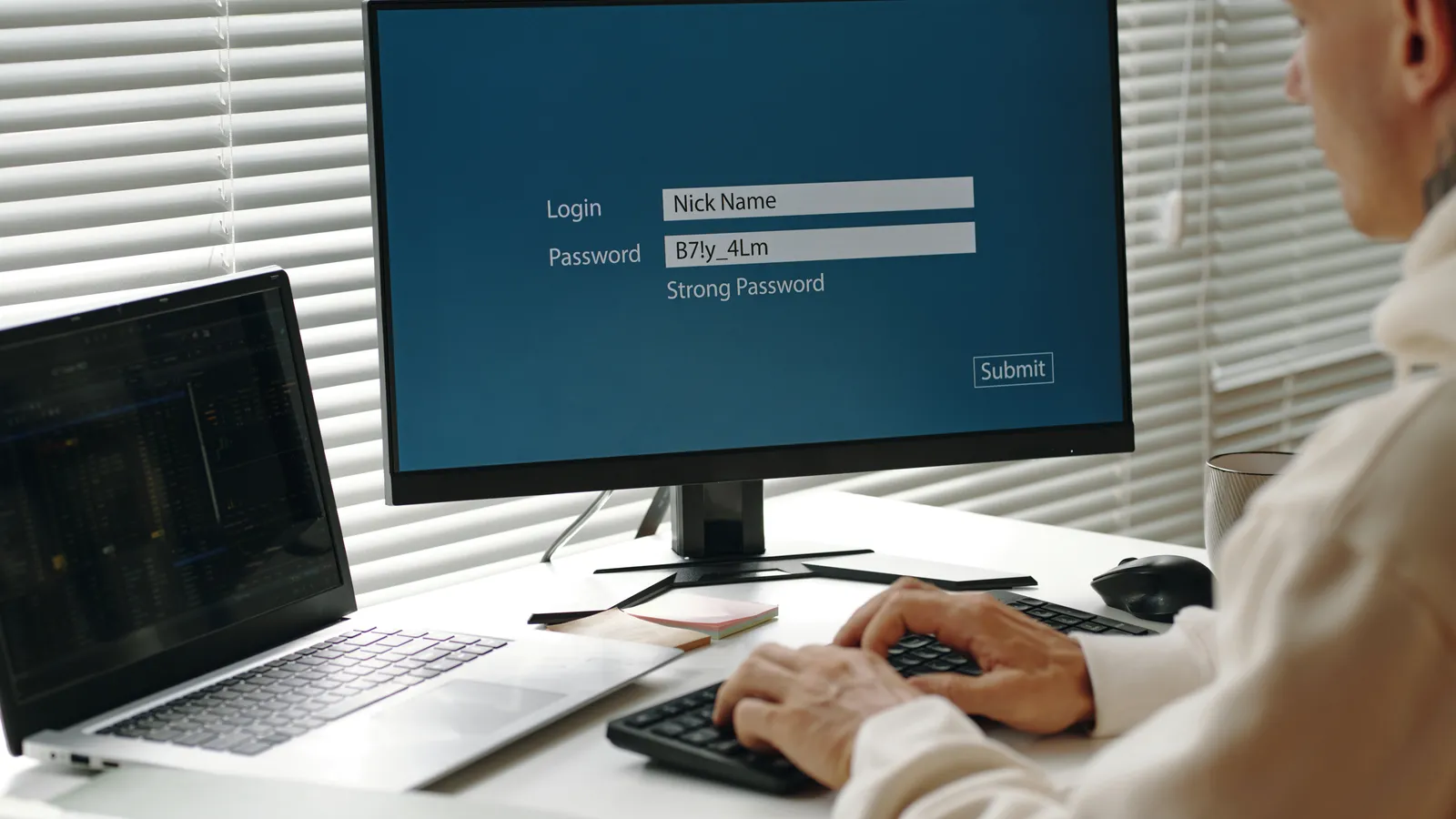
Shared mailboxes such as accounts@, info@ and admin@ carry some of a firm's most sensitive email: invoices, client enquiries and payment requests. In our experience, many have no named owner, and some are opened with a shared password.
Microsoft designed shared mailboxes to be opened through each person's own mailbox, using permissions. Microsoft's guidance is direct about the account behind them.
Always block sign-in for the shared mailbox account and keep it blocked.
How shared mailboxes are meant to work
Microsoft's design, against what we often find in firms.
As designed
Opened through each person's own mailbox using permissions, with a named owner who decides who has access.
What we often see
No named owner, and the mailbox opened directly with a password several people share.
A named owner decides who has access and reviews the list as staff join and leave. In a law or accounting practice, the accounts mailbox is often where supplier invoices and requests to change payment details arrive.
Microsoft does not require a licence for a shared mailbox holding up to 50 GB of mail.
What to do next

Keep on the radar
Usage-based billing for Copilot and the dates for the end of cheques
Dates to hold
Everything in this section, in date order.
Copilot and usage-based billing
Quick take
Microsoft is adding usage-based charges to Copilot alongside per-user licences. From 1 December 2026, new Copilot Business purchases in some countries start with pay-as-you-go billing switched on, and Australia is not yet one of them.
Copilot is Microsoft's AI assistant inside Microsoft 365. Where the change applies, new Copilot Business purchases through Microsoft partners default to a limit of 4,000 Copilot Credits per user per month.
Microsoft's October partner announcements also confirm that, from the same date, Copilot can be bought without a base Microsoft 365 subscription, at the same price.
What this means for your business
Existing Copilot and Microsoft 365 licences in Australia are not affected by the 1 December default. Administrators can adjust the spending limit wherever usage-based billing is switched on.
If usage-based billing reaches Australia, a spending limit set in advance and a named person who approves new Microsoft purchases help keep the cost visible.

The dates for the end of cheques
Quick take
Under the Cheques Transition Plan, cheques written after 30 June 2028 will not be accepted, and banks stop taking cheques on 30 September 2029.
Treasury published the Cheques Transition Plan in November 2024. Under the plan, banks that stop issuing cheques before 2028 must give customers at least six months' notice.
ANZ has moved earlier, stopping most new business accounts from ordering chequebooks from 3 May 2025.
What this means for your business
Trust account disbursements, settlement payments and client refunds are where cheques can remain in a practice. List every process that issues or receives a cheque.
Check the trust account rules in your state before changing how trust money moves.

What Jam Cyber is up to
How Konvey's AI investigation works
Tech Council research earlier in this edition lists understanding of AI first among the barriers to adoption. Konvey, our partner for the people side of technology, starts its work with a firm by investigating how that firm operates.
Konvey works with professional services firms on how their staff use AI across the firm. Your IT provider stays in place.
Find out first
A short piece of work to understand how your firm operates: how work moves, what people do, what systems allow and what obligations require.
A report for leadership
The findings are written up as a report and presented to your leadership.
Training on your own work
Training is delivered in small groups, on site, using your firm's real work.
Support that continues
Support continues after training, with regular check-ins and a joint review of whether it made a difference.
See how Konvey works
Konvey works with a small number of firms, and most of its work is with law firms and accounting practices. Pricing is scoped after the first step.

Final thoughts
The changes in this edition come back to one question.
What does your business run, and who can reach it? Our suggestion is to start with a written list that answers it, kept current by a named person.
If you would like an objective view of where your business stands, get in touch with the Jam Cyber team.